User manual
Fructificare explained screen by screen, in 16 chapters and 56 figures taken from the app. Every screenshot enlarges with a click, on phones too.
Where to start

First steps
Tracking your wealth
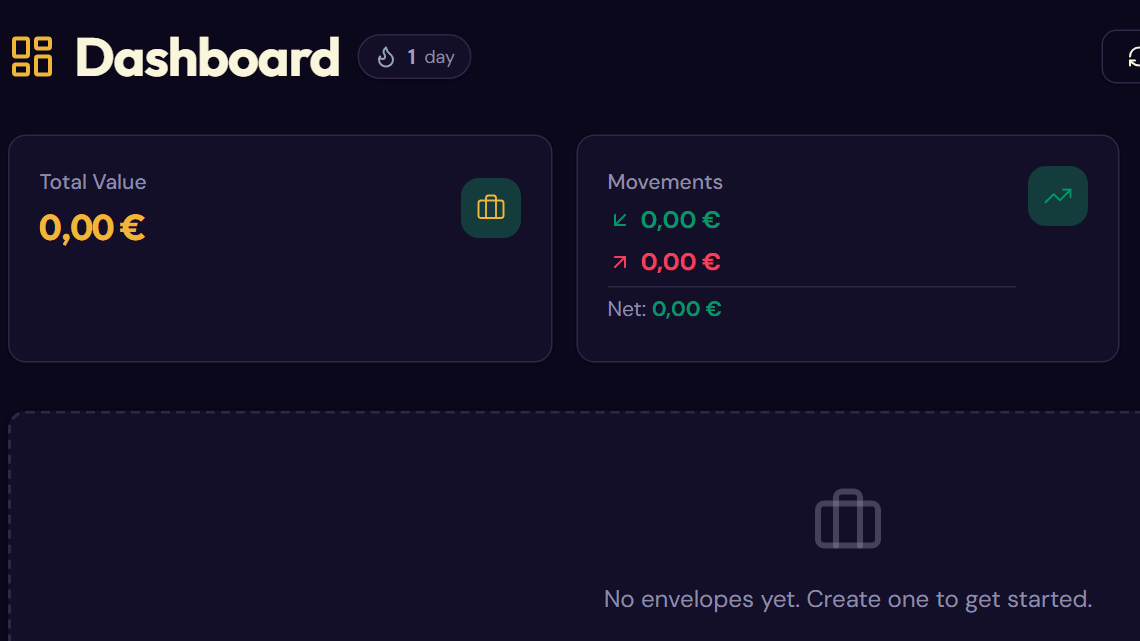
- 4The dashboardCreate your envelopes and read the tiles, charts and returns.
- 5The envelope pageRecord your movements, handle withdrawals and follow each asset.
- 6Calibrating your envelopesEnter the actual value of your accounts, as a total or position by position.
- 7Movement templatesInput templates so you never retype the same details.
- 8Recurring movementsSchedule deposits that record themselves.
Planning ahead
- 9The calendar and the budgetDue dates, reminders and the monthly budget in one place.
- 10SimulationsProject your wealth, test scenarios and discover the 8‑4‑3 rule.
- 11TaxationEstimate the tax on your withdrawals and produce the tax report.
- 12DocumentsFile statements, trade confirmations and IFU forms with their envelopes.